iOS Share Feature
Use the SendMessage or Share method and pass in FriendReqInfo to enable sharing. For callback information, refer to Unity Callback / Unreal Callback.
Facebook
Requires installation of Facebook/Messenger app, iOS 15.1+.
- Since 2019.06.10, the Share to Messenger SDK no longer supports new apps
- Since Facebook SDK V4.22.0, the Title, Description, Caption, and ImagePath fields are ignored when sharing links
| Method | Content | Target |
|---|---|---|
| SendMessage | Link | Messenger |
| Share | Link | Feed |
| Share | Image | Feed / Gaming |
| Share | Video | Feed / Reels |
SendMessage: Link
Share link to Messenger.
Parameters:
- Type:
Friend_REQ_LINK(Unity) /kReqLink(UE) - **Link **: URL
- Unity
- Unreal Engine
var reqInfo = new INTLFriendReqInfo();
reqInfo.Type = (int)INTLFriendReqType.Friend_REQ_LINK;
reqInfo.Link = "https://www.facebook.com/link";
INTLAPI.SendMessage(reqInfo, INTLChannel.Facebook);
FINTLFriendReqInfo reqInfo;
reqInfo.Type = (int32)EINTLFriendReqType::kReqLink;
reqInfo.Link = "https://www.facebook.com/link";
UINTLSDKAPI::SendMessage(reqInfo, EINTLLoginChannel::kChannelFacebook);
Share: Link
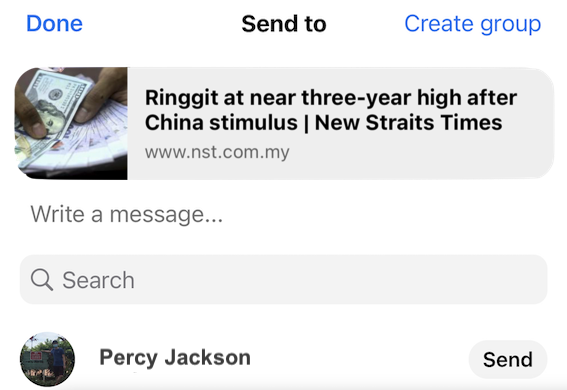
Share link to Facebook Feed.
Parameters:
- Type:
Friend_REQ_LINK(Unity) /kReqLink(UE) - **Link **: URL
- ExtraJson (optional):
{"hashtag":"#value"}
- Unity
- Unreal Engine
var reqInfo = new INTLFriendReqInfo();
reqInfo.Type = (int)INTLFriendReqType.Friend_REQ_LINK;
reqInfo.Link = "https://www.facebook.com/link";
reqInfo.ExtraJson = "{\"hashtag\":\"#value\"}";
INTLAPI.Share(reqInfo, INTLChannel.Facebook);
FINTLFriendReqInfo reqInfo;
reqInfo.Type = (int32)EINTLFriendReqType::kReqLink;
reqInfo.Link = "https://www.facebook.com/link";
reqInfo.ExtraJson = "{\"hashtag\":\"#value\"}";
UINTLSDKAPI::Share(reqInfo, EINTLLoginChannel::kChannelFacebook);

Share: Image
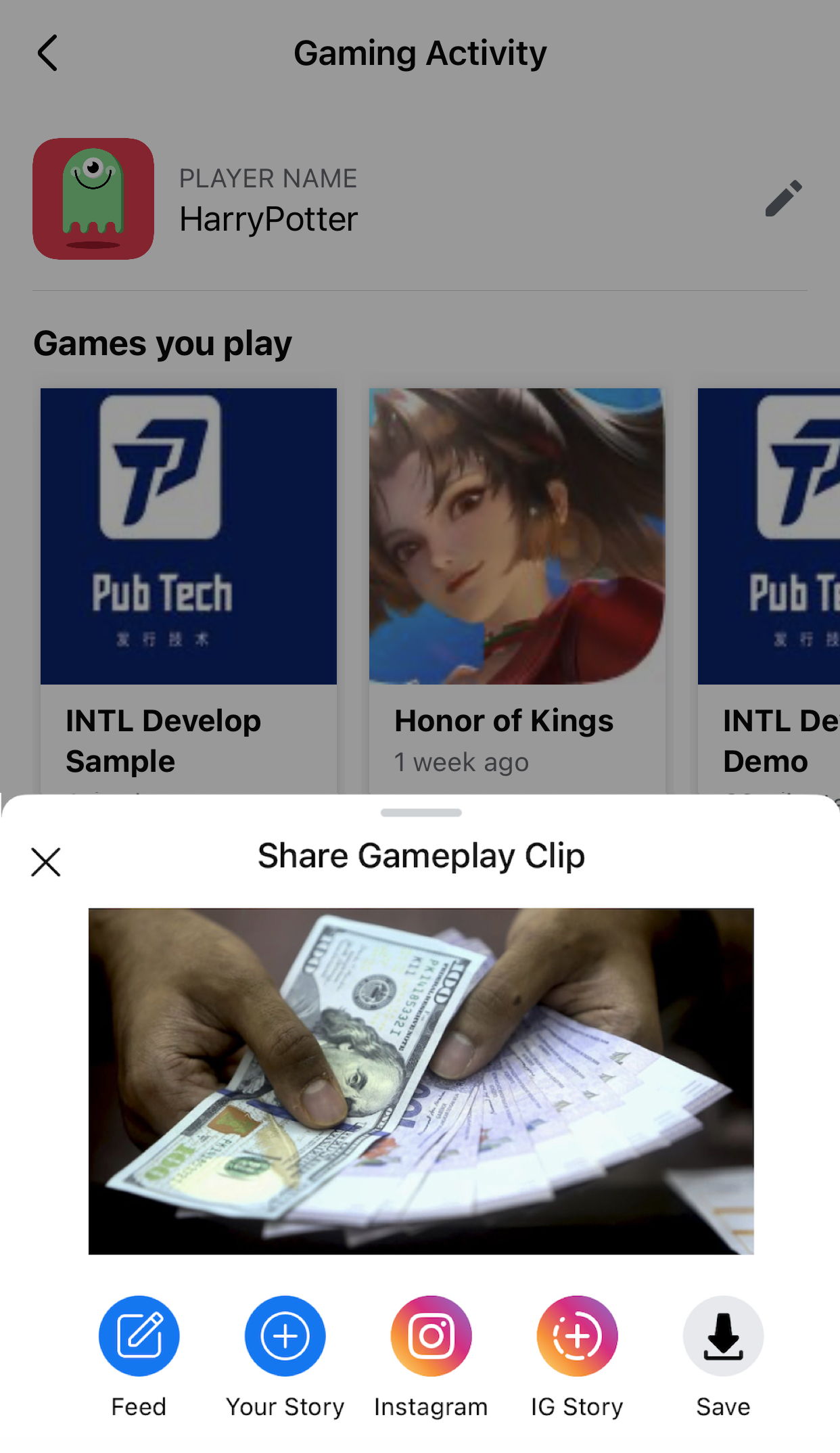
Share image to Facebook Feed or Gaming.
Parameters:
- Type:
Friend_REQ_IMAGE(Unity) /kReqImage(UE) - ImagePath: Local path or URL (≤12MB)
- ExtraJson (optional):
- Feed mode:
{"hashtag":"#value"} - Gaming mode:
{"mode":1}(hashtag not supported)
- Feed mode:
- Unity
- Unreal Engine
var reqInfo = new INTLFriendReqInfo();
reqInfo.Type = (int)INTLFriendReqType.Friend_REQ_IMAGE;
reqInfo.ImagePath = "https://example.com/image.png";
reqInfo.ExtraJson = "{\"hashtag\":\"#value\"}";
INTLAPI.Share(reqInfo, INTLChannel.Facebook);
FINTLFriendReqInfo reqInfo;
reqInfo.Type = (int32)EINTLFriendReqType::kReqImage;
reqInfo.ImagePath = "https://example.com/image.png";
reqInfo.ExtraJson = "{\"hashtag\":\"#value\"}";
UINTLSDKAPI::Share(reqInfo, EINTLLoginChannel::kChannelFacebook);
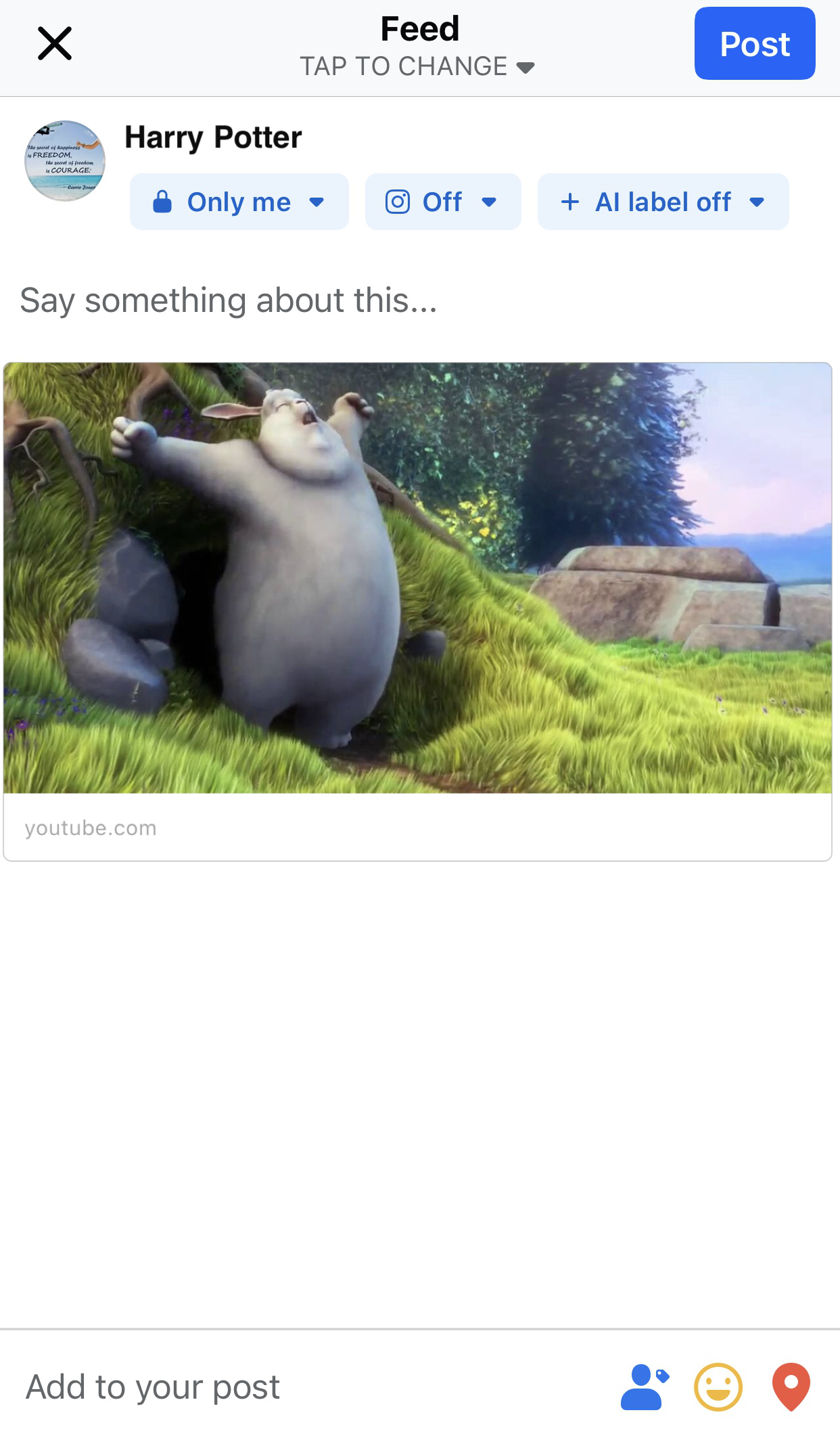
Feed share example: For reference, see Share: Link
Gaming sharing example:
Share: Video
Share video to Facebook Feed or Reels.
Parameters:
- Type:
Friend_REQ_VIDEO(Unity) /kReqVideo(UE) - MediaPath: Local path (≤50MB)
- **ExtraJson **:
- Feed mode:
{"hashtag":"#value"} - Reels mode:
{"share_to_reels":true, "hashtag":"#value"}
- Feed mode:
- Unity
- Unreal Engine
var reqInfo = new INTLFriendReqInfo();
reqInfo.Type = (int)INTLFriendReqType.Friend_REQ_VIDEO;
reqInfo.MediaPath = "/path/to/video";

// Share to Feed
reqInfo.ExtraJson = "{\"hashtag\":\"#value\"}";
INTLAPI.Share(reqInfo, INTLChannel.Facebook);

// Share to Reels
reqInfo.ExtraJson = "{\"share_to_reels\":true, \"hashtag\":\"#value\"}";
INTLAPI.Share(reqInfo, INTLChannel.Facebook);
FINTLFriendReqInfo reqInfo;
reqInfo.Type = (int32)EINTLFriendReqType::kReqVideo;
reqInfo.MediaPath = "/path/to/video";

// Feed sharing
reqInfo.ExtraJson = "{\"hashtag\":\"#value\"}";
UINTLSDKAPI::Share(reqInfo, EINTLLoginChannel::kChannelFacebook);

// Reels sharing
reqInfo.ExtraJson = "{\"share_to_reels\":true, \"hashtag\":\"#value\"}";
UINTLSDKAPI::Share(reqInfo, EINTLLoginChannel::kChannelFacebook);
Garena
Garena has announced that it will migrate from the Garena mobile app to the web system by the end of 2024.Garena sub-channels will no longer be available.
Use the subChannel parameter in ExtraJson to share content to Garena-supported sub-channels (Facebook, LINE).
ExtraJson parameters:
- subChannel: Sub-channel name (Facebook / Line)
- mediaTagName: Extra parameter or empty string
- caption: Description for shared content (optional)
Sub-channel: Facebook
Facebook app must be installed.
| Method | Content |
|---|---|
| Share | Text, link, image |
Share: Text
Parameters:
- Type:
Friend_REQ_TEXT(Unity) /kReqText(UE) - Description: Text content
- ExtraJson:
{"subChannel":"Facebook"}
- Unity
- Unreal Engine
var reqInfo = new INTLFriendReqInfo();
reqInfo.Type = (int)INTLFriendReqType.Friend_REQ_TEXT;
reqInfo.Description = "Hello, long time no see";
reqInfo.ExtraJson = "{\"subChannel\":\"Facebook\"}";
INTLAPI.Share(reqInfo, "Garena");
FINTLFriendReqInfo reqInfo;
reqInfo.Type = (int32)EINTLFriendReqType::kReqText;
reqInfo.Description = "Hello, long time no see";
reqInfo.ExtraJson = "{\"subChannel\":\"Facebook\"}";
UINTLSDKAPI::Share(reqInfo, "Garena");
Share: Link
Parameters:
- Type:
Friend_REQ_LINK(Unity) /kReqLink(UE) - **Link **: URL
- ExtraJson:
{"subChannel":"Facebook"}
- Unity
- Unreal Engine
var reqInfo = new INTLFriendReqInfo();
reqInfo.Type = (int)INTLFriendReqType.Friend_REQ_LINK;
reqInfo.Link = "https://www.google.com";
reqInfo.ExtraJson = "{\"subChannel\":\"Facebook\"}";
INTLAPI.Share(reqInfo, "Garena");
FINTLFriendReqInfo reqInfo;
reqInfo.Type = (int32)EINTLFriendReqType::kReqLink;
reqInfo.Link = "https://www.google.com";
reqInfo.ExtraJson = "{\"subChannel\":\"Facebook\"}";
UINTLSDKAPI::Share(reqInfo, "Garena");
Share: Image
Parameters:
- Type:
Friend_REQ_IMAGE(Unity) /kReqImage(UE) - ImagePath: Image path (≤12MB)
- ExtraJson:
{"subChannel":"Facebook", "mediaTagName":"me"}
- Unity
- Unreal Engine
var reqInfo = new INTLFriendReqInfo();
reqInfo.Type = (int)INTLFriendReqType.Friend_REQ_IMAGE;
reqInfo.ImagePath = "https://example.com/image.png";
reqInfo.ExtraJson = "{\"subChannel\":\"Facebook\",\"mediaTagName\":\"me\"}";
INTLAPI.Share(reqInfo, "Garena");
FINTLFriendReqInfo reqInfo;
reqInfo.Type = (int32)EINTLFriendReqType::kReqImage;
reqInfo.ImagePath = "https://example.com/image.png";
reqInfo.ExtraJson = "{\"subChannel\":\"Facebook\",\"mediaTagName\":\"me\"}";
UINTLSDKAPI::Share(reqInfo, "Garena");
Sub-channel: LINE
Requires LINE app installation, Garena login not required.
| Method | Content |
|---|---|
| SendMessage | Link, image |
| Share | Link, image |
SendMessage: Link
Parameters:
- Type:
Friend_REQ_LINK(Unity) /kReqLink(UE) - **Link **: URL
- ExtraJson:
{"subChannel":"Line"}
- Unity
- Unreal Engine
var reqInfo = new INTLFriendReqInfo();
reqInfo.Type = (int)INTLFriendReqType.Friend_REQ_LINK;
reqInfo.Link = "https://www.google.com";
reqInfo.ExtraJson = "{\"subChannel\":\"Line\"}";
INTLAPI.SendMessage(reqInfo, "Garena");
FINTLFriendReqInfo reqInfo;
reqInfo.Type = (int32)EINTLFriendReqType::kReqLink;
reqInfo.Link = "https://www.google.com";
reqInfo.ExtraJson = "{\"subChannel\":\"Line\"}";
UINTLSDKAPI::SendMessage(reqInfo, "Garena");
SendMessage: Image
Parameters:
- Type:
Friend_REQ_IMAGE(Unity) /kReqImage(UE) - ImagePath: Image path
- ExtraJson:
{"subChannel":"Line"}
- Unity
- Unreal Engine
var reqInfo = new INTLFriendReqInfo();
reqInfo.Type = (int)INTLFriendReqType.Friend_REQ_IMAGE;
reqInfo.ImagePath = "https://example.com/image.png";
reqInfo.ExtraJson = "{\"subChannel\":\"Line\"}";
INTLAPI.SendMessage(reqInfo, "Garena");
FINTLFriendReqInfo reqInfo;
reqInfo.Type = (int32)EINTLFriendReqType::kReqImage;
reqInfo.ImagePath = "https://example.com/image.png";
reqInfo.ExtraJson = "{\"subChannel\":\"Line\"}";
UINTLSDKAPI::SendMessage(reqInfo, "Garena");
Share: Link
Parameters:
- Type:
Friend_REQ_LINK(Unity) /kReqLink(UE) - **Link **: URL
- ExtraJson:
{"subChannel":"Line"}
- Unity
- Unreal Engine
var reqInfo = new INTLFriendReqInfo();
reqInfo.Type = (int)INTLFriendReqType.Friend_REQ_LINK;
reqInfo.Link = "https://www.google.com";
reqInfo.ExtraJson = "{\"subChannel\":\"Line\"}";
INTLAPI.Share(reqInfo, "Garena");
FINTLFriendReqInfo reqInfo;
reqInfo.Type = (int32)EINTLFriendReqType::kReqLink;
reqInfo.Link = "https://www.google.com";
reqInfo.ExtraJson = "{\"subChannel\":\"Line\"}";
UINTLSDKAPI::Share(reqInfo, "Garena");
Share: Image
Parameters:
- Type:
Friend_REQ_IMAGE(Unity) /kReqImage(UE) - ImagePath: Image path
- ExtraJson:
{"subChannel":"Line"}
- Unity
- Unreal Engine
var reqInfo = new INTLFriendReqInfo();
reqInfo.Type = (int)INTLFriendReqType.Friend_REQ_IMAGE;
reqInfo.ImagePath = "https://example.com/image.png";
reqInfo.ExtraJson = "{\"subChannel\":\"Line\"}";
INTLAPI.Share(reqInfo, "Garena");
FINTLFriendReqInfo reqInfo;
reqInfo.Type = (int32)EINTLFriendReqType::kReqImage;
reqInfo.ImagePath = "https://example.com/image.png";
reqInfo.ExtraJson = "{\"subChannel\":\"Line\"}";
UINTLSDKAPI::Share(reqInfo, "Garena");
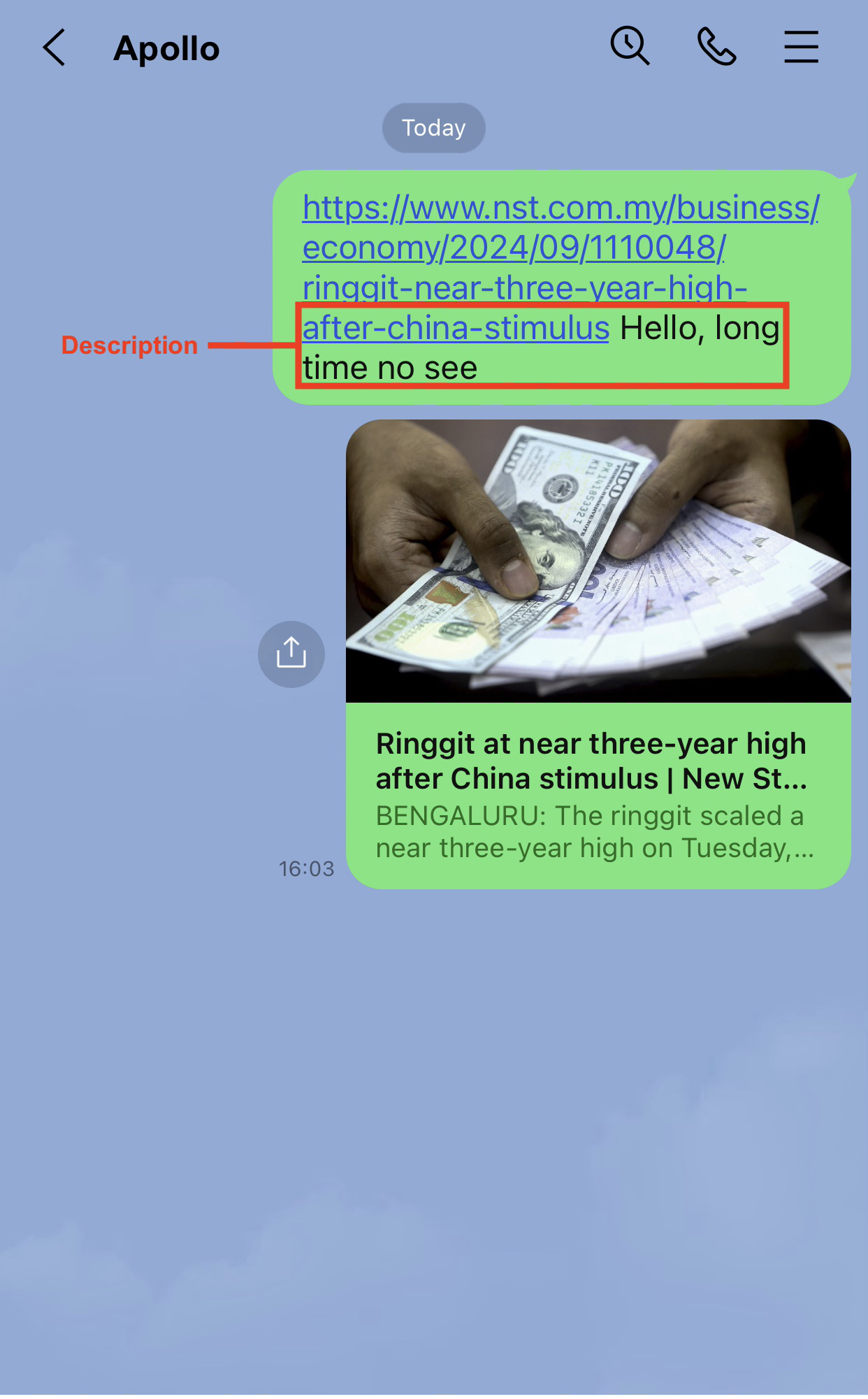
LINE
Requires LINE app installation, iOS 17.0+.
| Method | Content |
|---|---|
| SendMessage | Text, image |
SendMessage: Text
Parameters:
- Type:
Friend_REQ_TEXT(Unity) /kReqText(UE) - Description: Text content
- Unity
- Unreal Engine
var reqInfo = new INTLFriendReqInfo();
reqInfo.Type = (int)INTLFriendReqType.Friend_REQ_TEXT;
reqInfo.Description = "INTL services";
INTLAPI.SendMessage(reqInfo, INTLChannel.Line);
FINTLFriendReqInfo reqInfo;
reqInfo.Type = (int32)EINTLFriendReqType::kReqText;
reqInfo.Description = "INTL services";
UINTLSDKAPI::SendMessage(reqInfo, UINTLLoginChannel::kChannelLine);
SendMessage: Image
Parameters:
- Type:
Friend_REQ_IMAGE(Unity) /kReqImage(UE) - ImagePath: Local path or URL
- Unity
- Unreal Engine
var reqInfo = new INTLFriendReqInfo();
reqInfo.Type = (int)INTLFriendReqType.Friend_REQ_IMAGE;
reqInfo.ImagePath = "https://example.com/image.png";
INTLAPI.SendMessage(reqInfo, INTLChannel.Line);
FINTLFriendReqInfo reqInfo;
reqInfo.Type = (int32)EINTLFriendReqType::kReqImage;
reqInfo.ImagePath = "https://example.com/image.png";
UINTLSDKAPI::SendMessage(reqInfo, UINTLLoginChannel::kChannelLine);
WeChat
Requires WeChat app installation, iOS 14.0+.
| Method | Content |
|---|---|
| SendMessage | Text, link, image, video |
| Share | Text, link, image, video |
SendMessage: Text
Parameters:
- Type:
Friend_REQ_TEXT(Unity) /kReqText(UE) - Description: Text content
- Unity
- Unreal Engine
var reqInfo = new INTLFriendReqInfo();
reqInfo.Type = (int)INTLFriendReqType.Friend_REQ_TEXT;
reqInfo.Description = "Hello, long time no see";
INTLAPI.SendMessage(reqInfo, INTLChannel.W);
FINTLFriendReqInfo reqInfo;
reqInfo.Type = (int32)EINTLFriendReqType::kReqText;
reqInfo.Description = "Hello, long time no see";
UINTLSDKAPI::SendMessage(reqInfo, EINTLLoginChannel::kChannelW);
SendMessage: Link
Parameters:
- Type:
Friend_REQ_LINK(Unity) /kReqLink(UE) - **Link **: URL
- Unity
- Unreal Engine
var reqInfo = new INTLFriendReqInfo();
reqInfo.Type = (int)INTLFriendReqType.Friend_REQ_LINK;
reqInfo.Link = "https://www.google.com";
INTLAPI.SendMessage(reqInfo, INTLChannel.W);
FINTLFriendReqInfo reqInfo;
reqInfo.Type = (int32)EINTLFriendReqType::kReqLink;
reqInfo.Link = "https://www.google.com";
UINTLSDKAPI::SendMessage(reqInfo, EINTLLoginChannel::kChannelW);
SendMessage: Image
Parameters:
- Type:
Friend_REQ_IMAGE(Unity) /kReqImage(UE) - ImagePath: Image path
- Unity
- Unreal Engine
var reqInfo = new INTLFriendReqInfo();
reqInfo.Type = (int)INTLFriendReqType.Friend_REQ_IMAGE;
reqInfo.ImagePath = "/path/to/image";
INTLAPI.SendMessage(reqInfo, INTLChannel.W);
FINTLFriendReqInfo reqInfo;
reqInfo.Type = (int32)EINTLFriendReqType::kReqImage;
reqInfo.ImagePath = "/path/to/image";
UINTLSDKAPI::SendMessage(reqInfo, EINTLLoginChannel::kChannelW);
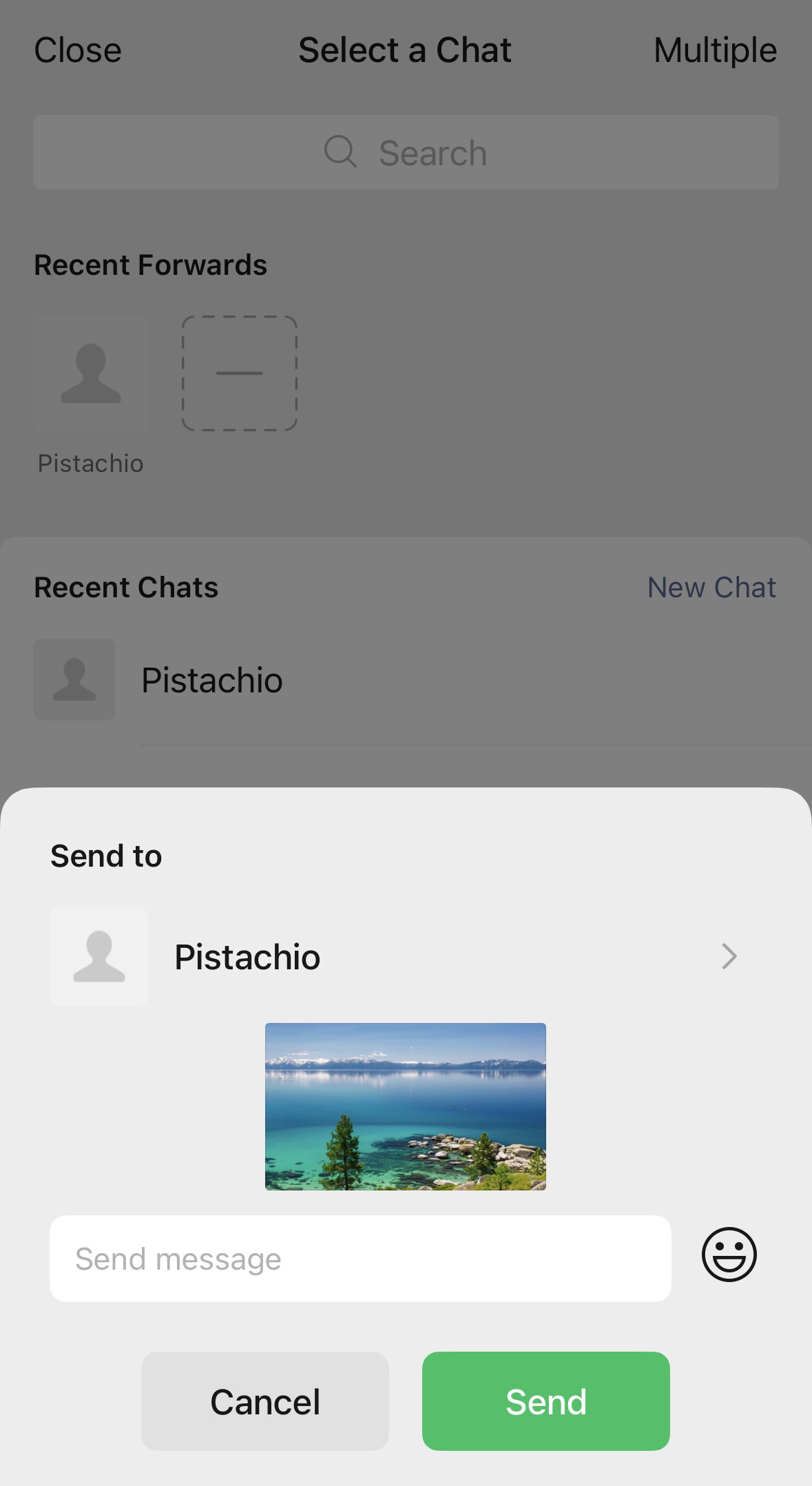
SendMessage: Video
Parameters:
- Type:
Friend_REQ_VIDEO(Unity) /kReqVideo(UE) - MediaPath: Video path
- Unity
- Unreal Engine
var reqInfo = new INTLFriendReqInfo();
reqInfo.Type = (int)INTLFriendReqType.Friend_REQ_VIDEO;
reqInfo.MediaPath = "/path/to/video";
INTLAPI.SendMessage(reqInfo, INTLChannel.W);
FINTLFriendReqInfo reqInfo;
reqInfo.Type = (int32)EINTLFriendReqType::kReqVideo;
reqInfo.MediaPath = "/path/to/video";
UINTLSDKAPI::SendMessage(reqInfo, EINTLLoginChannel::kChannelW);
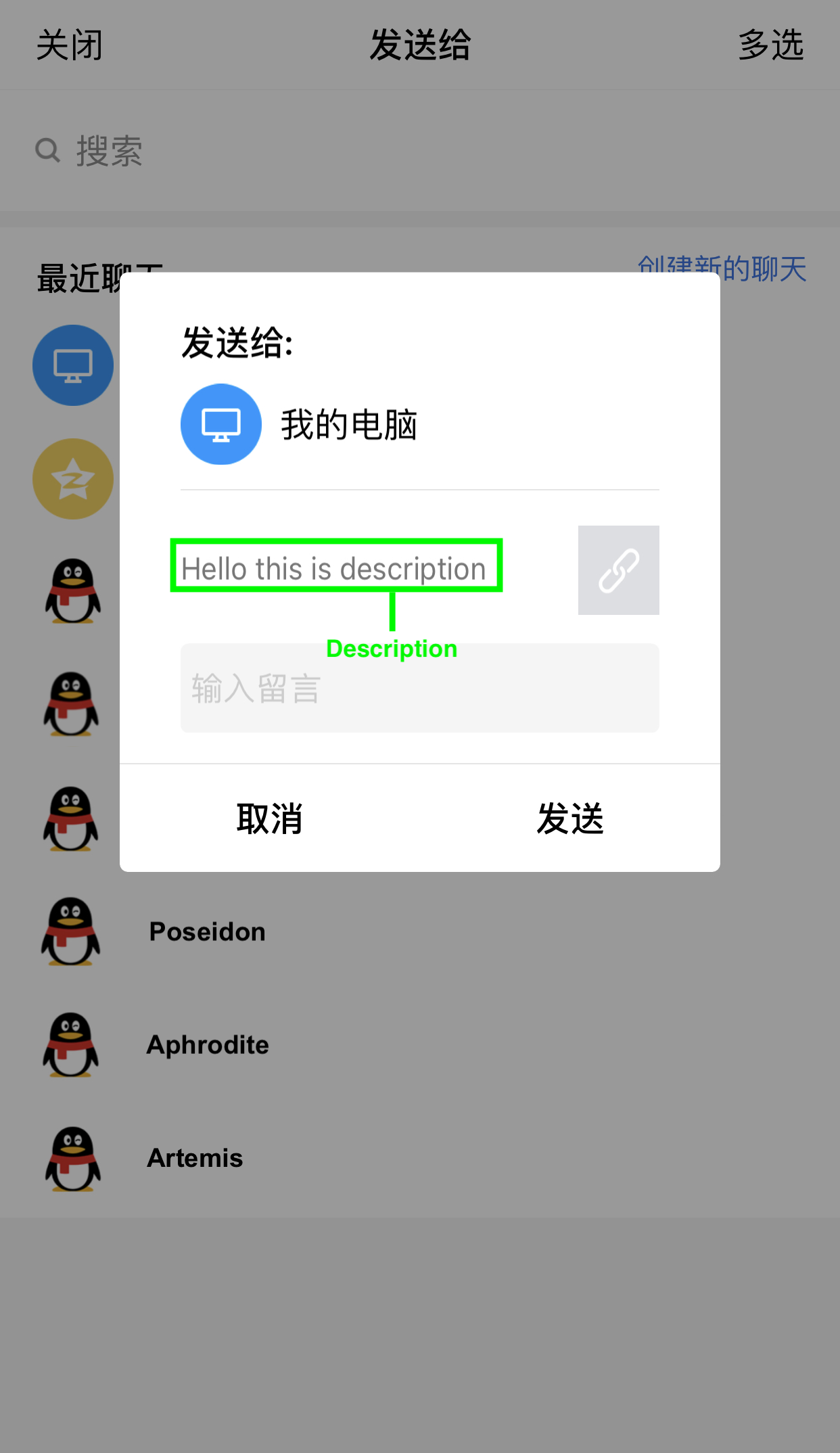
Share: Text
Parameters:
- Type:
Friend_REQ_TEXT(Unity) /kReqText(UE) - Description: Text content
- Unity
- Unreal Engine
var reqInfo = new INTLFriendReqInfo();
reqInfo.Type = (int)INTLFriendReqType.Friend_REQ_TEXT;
reqInfo.Description = "Hello, it's been a while";
INTLAPI.Share(reqInfo, INTLChannel.W);
FINTLFriendReqInfo reqInfo;
reqInfo.Type = (int32)EINTLFriendReqType::kReqText;
reqInfo.Description = "Hello, long time no see";
UINTLSDKAPI::Share(reqInfo, EINTLLoginChannel::kChannelW);
Share: Link
Parameters:
- Type:
Friend_REQ_LINK(Unity) /kReqLink(UE) - **Link **: URL
- Unity
- Unreal Engine
var reqInfo = new INTLFriendReqInfo();
reqInfo.Type = (int)INTLFriendReqType.Friend_REQ_LINK;
reqInfo.Link = "https://www.google.com";
INTLAPI.Share(reqInfo, INTLChannel.W);
FINTLFriendReqInfo reqInfo;
reqInfo.Type = (int32)EINTLFriendReqType::kReqLink;
reqInfo.Link = "https://www.google.com";
UINTLSDKAPI::Share(reqInfo, EINTLLoginChannel::kChannelW);
Share: Image
Parameters:
- Type:
Friend_REQ_IMAGE(Unity) /kReqImage(UE) - ImagePath: Image path
- Unity
- Unreal Engine
var reqInfo = new INTLFriendReqInfo();
reqInfo.Type = (int)INTLFriendReqType.Friend_REQ_IMAGE;
reqInfo.ImagePath = "/path/to/image";
INTLAPI.Share(reqInfo, INTLChannel.W);
FINTLFriendReqInfo reqInfo;
reqInfo.Type = (int32)EINTLFriendReqType::kReqImage;
reqInfo.ImagePath = "/path/to/image";
UINTLSDKAPI::Share(reqInfo, EINTLLoginChannel::kChannelW);
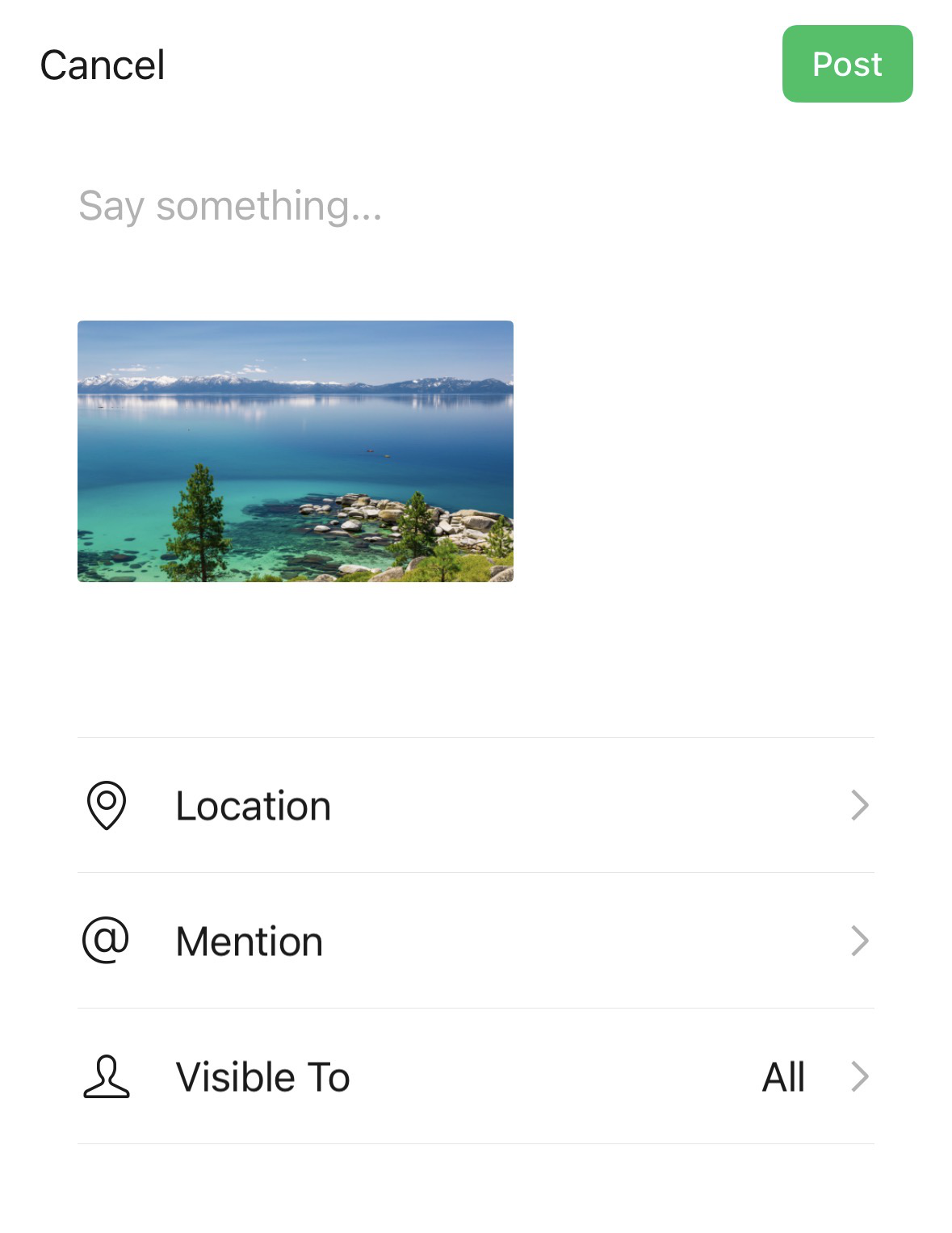
Share: Video
Parameters:
- Type:
Friend_REQ_VIDEO(Unity) /kReqVideo(UE) - MediaPath: Video path
- Unity
- Unreal Engine
var reqInfo = new INTLFriendReqInfo();
reqInfo.Type = (int)INTLFriendReqType.Friend_REQ_VIDEO;
reqInfo.MediaPath = "/path/to/video";
INTLAPI.Share(reqInfo, INTLChannel.W);
FINTLFriendReqInfo reqInfo;
reqInfo.Type = (int32)EINTLFriendReqType::kReqVideo;
reqInfo.MediaPath = "/path/to/video";
UINTLSDKAPI::Share(reqInfo, EINTLLoginChannel::kChannelW);
QQ
Requires QQ app installation, iOS 14.0+.
| Method | Content | Target |
|---|---|---|
| SendMessage | Text, link, image, video | QQ Friend |
| Share | Link, image, video | QZone |
SendMessage: Text
Parameters:
- Type:
Friend_REQ_TEXT(Unity) /kReqText(UE) - Description: Text content (≤1536 characters)
- Unity
- Unreal Engine
var reqInfo = new INTLFriendReqInfo();
reqInfo.Type = (int)INTLFriendReqType.Friend_REQ_TEXT;
reqInfo.Description = "INTL text sending test";
INTLAPI.SendMessage(reqInfo, INTLChannel.QQ);
FINTLFriendReqInfo reqInfo;
reqInfo.Type = (int32)EINTLFriendReqType::kReqText;
reqInfo.Description = "INTL text sending test";
UINTLSDKAPI::SendMessage(reqInfo, EINTLLoginChannel::kChannelQQ);
SendMessage: Link
Parameters:
- Type:
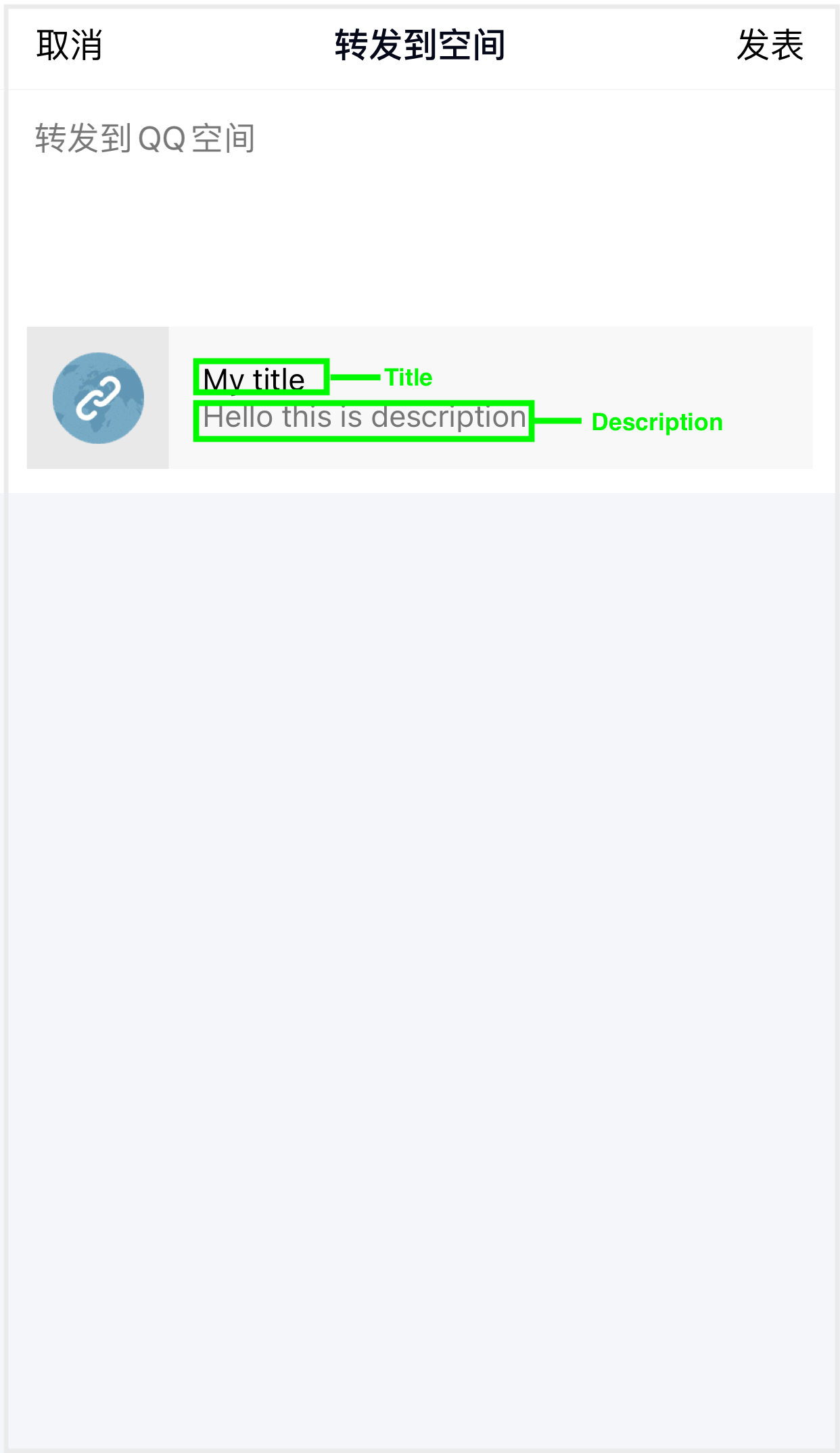
Friend_REQ_LINK(Unity) /kReqLink(UE) - Title: Title (≤128 characters)
- Description: Description (≤512 characters)
- Link: URL (≤1024 characters)
- ThumbPath: Thumbnail (≤1MB)
- Unity
- Unreal Engine
var reqInfo = new INTLFriendReqInfo();
reqInfo.Type = (int)INTLFriendReqType.Friend_REQ_LINK;
reqInfo.Link = "https://www.google.com";
reqInfo.Title = "INTL test";
reqInfo.Description = "INTL link sending test";
reqInfo.ThumbPath = "http://mat1.gtimg.com/www/qq2018/imgs/qq_logo_2018x2.png";
INTLAPI.SendMessage(reqInfo, INTLChannel.QQ);
FINTLFriendReqInfo reqInfo;
reqInfo.Type = (int32)EINTLFriendReqType::kReqLink;
reqInfo.Link = "https://www.google.com";
reqInfo.Title = "INTL test";
reqInfo.Description = "INTL link sending test";
reqInfo.ThumbPath = "http://mat1.gtimg.com/www/qq2018/imgs/qq_logo_2018x2.png";
UINTLSDKAPI::SendMessage(reqInfo, EINTLLoginChannel::kChannelQQ);
SendMessage: Image
Parameters:
- Type:
Friend_REQ_IMAGE(Unity) /kReqImage(UE) - ImagePath: Image path (local or URL, ≤1MB)
- Unity
- Unreal Engine
var reqInfo = new INTLFriendReqInfo();
reqInfo.Type = (int)INTLFriendReqType.Friend_REQ_IMAGE;
reqInfo.ImagePath = "https://example.com/image.png";
INTLAPI.SendMessage(reqInfo, INTLChannel.QQ);
FINTLFriendReqInfo reqInfo;
reqInfo.Type = (int32)EINTLFriendReqType::kReqImage;
reqInfo.ImagePath = "https://example.com/image.png";
UINTLSDKAPI::SendMessage(reqInfo, EINTLLoginChannel::kChannelQQ);
SendMessage: Video
Parameters:
- Type:
Friend_REQ_VIDEO(Unity) /kReqVideo(UE) - MediaPath: Video path (local path)
- Unity
- Unreal Engine
var reqInfo = new INTLFriendReqInfo();
reqInfo.Type = (int)INTLFriendReqType.Friend_REQ_VIDEO;
reqInfo.MediaPath = "/path/to/video";
INTLAPI.SendMessage(reqInfo, INTLChannel.QQ);
FINTLFriendReqInfo reqInfo;
reqInfo.Type = (int32)EINTLFriendReqType::kReqVideo;
reqInfo.MediaPath = "/path/to/video";
UINTLSDKAPI::SendMessage(reqInfo, EINTLLoginChannel::kChannelQQ);
Share: Link
Parameters:
- Type:
Friend_REQ_LINK(Unity) /kReqLink(UE) - Title: Title (≤128 characters)
- Description: Description (≤512 characters)
- Link: URL (≤1024 characters)
- ImagePath: Thumbnail (≤1MB)
- Unity
- Unreal Engine
var reqInfo = new INTLFriendReqInfo();
reqInfo.Type = (int)INTLFriendReqType.Friend_REQ_LINK;
reqInfo.Title = "INTL share";
reqInfo.Description = "INTL description";
reqInfo.Link = "https://www.google.com";
reqInfo.ImagePath = "http://mat1.gtimg.com/www/qq2018/imgs/qq_logo_2018x2.png";
INTLAPI.Share(reqInfo, INTLChannel.QQ);
FINTLFriendReqInfo reqInfo;
reqInfo.Type = (int32)EINTLFriendReqType::kReqLink;
reqInfo.Title = "INTL share";
reqInfo.Description = "INTL description";
reqInfo.Link = "https://www.google.com";
reqInfo.ImagePath = "http://mat1.gtimg.com/www/qq2018/imgs/qq_logo_2018x2.png";
UINTLSDKAPI::Share(reqInfo, EINTLLoginChannel::kChannelQQ);
Share: Image
Parameters:
- Type:
Friend_REQ_IMAGE(Unity) /kReqImage(UE) - ImagePath: Image path (local or URL, ≤1MB)
- Unity
- Unreal Engine
var reqInfo = new INTLFriendReqInfo();
reqInfo.Type = (int)INTLFriendReqType.Friend_REQ_IMAGE;
reqInfo.ImagePath = "https://example.com/image.png";
INTLAPI.Share(reqInfo, INTLChannel.QQ);
FINTLFriendReqInfo reqInfo;
reqInfo.Type = (int32)EINTLFriendReqType::kReqImage;
reqInfo.ImagePath = "https://example.com/image.png";
UINTLSDKAPI::Share(reqInfo, EINTLLoginChannel::kChannelQQ);
Share: Video
Parameters:
- Type:
Friend_REQ_VIDEO(Unity) /kReqVideo(UE) - MediaPath: Video path (local path)
- Unity
- Unreal Engine
var reqInfo = new INTLFriendReqInfo();
reqInfo.Type = (int)INTLFriendReqType.Friend_REQ_VIDEO;
reqInfo.MediaPath = "/path/to/video";
INTLAPI.Share(reqInfo, INTLChannel.QQ);
FINTLFriendReqInfo reqInfo;
reqInfo.Type = (int32)EINTLFriendReqType::kReqVideo;
reqInfo.MediaPath = "/path/to/video";
UINTLSDKAPI::Share(reqInfo, EINTLLoginChannel::kChannelQQ);
Instagram
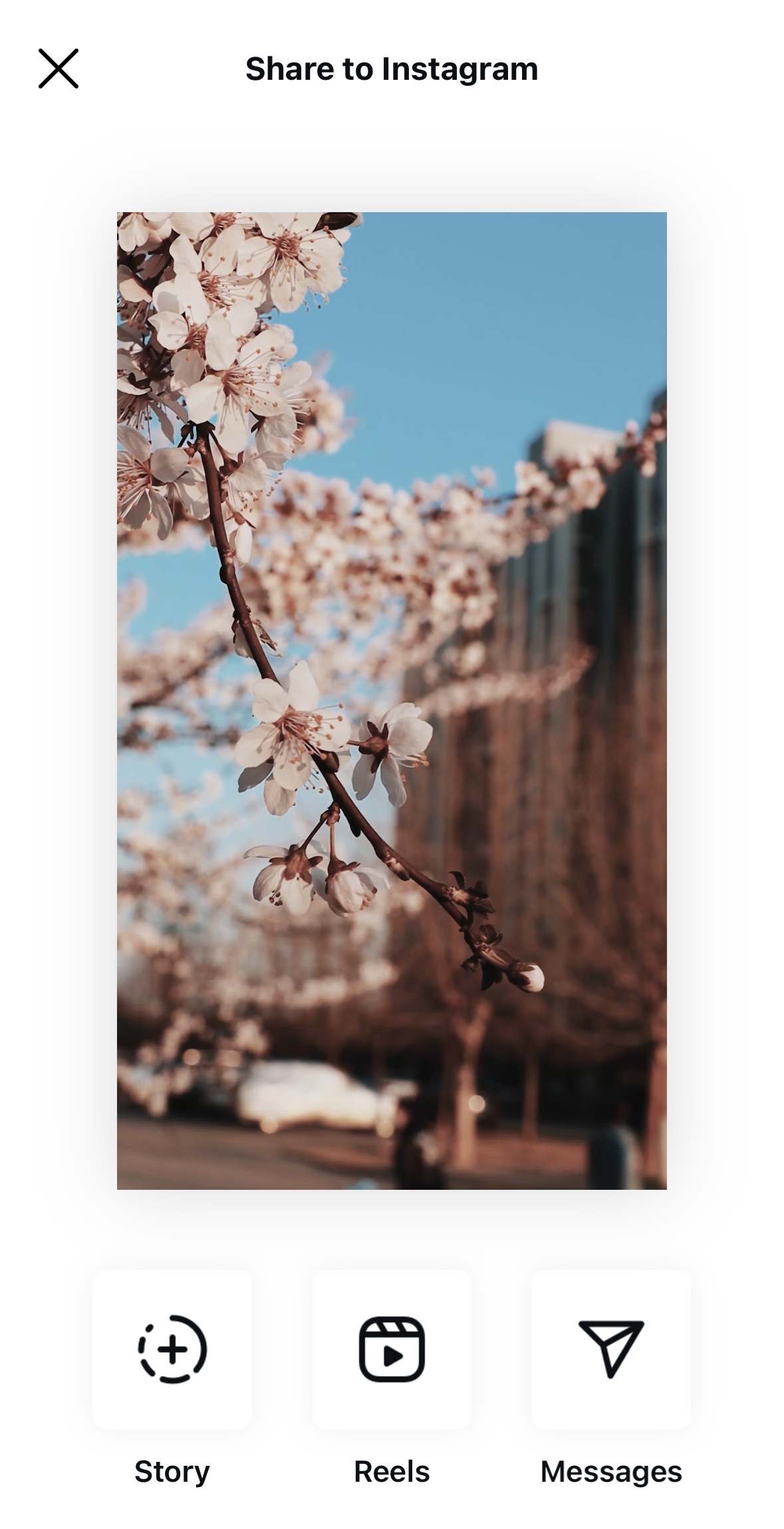
Requires Instagram app installation, iOS 15.1+.
When sharing images or videos, Share will immediately return success regardless of actual result.
| Method | Content |
|---|---|
| Share | Image, video |
Share: Image
Parameters:
- Type:
Friend_REQ_IMAGE(Unity) /kReqImage(UE) - ImagePath: Image path (recommended JPEG 640x640px)
- Unity
- Unreal Engine
var reqInfo = new INTLFriendReqInfo();
reqInfo.Type = (int)INTLFriendReqType.Friend_REQ_IMAGE;
reqInfo.ImagePath = "/path/to/image";
INTLAPI.Share(reqInfo, INTLChannel.Instagram);
FINTLFriendReqInfo reqInfo;
reqInfo.Type = (int32)EINTLFriendReqType::kReqImage;
reqInfo.ImagePath = "/path/to/image";
UINTLSDKAPI::Share(reqInfo, EINTLLoginChannel::kChannelInstagram);
Share: Video
Parameters:
- Type:
Friend_REQ_VIDEO(Unity) /kReqVideo(UE) - MediaPath: Video path (MP4, 3-600 seconds, ≥640×640px)
- Unity
- Unreal Engine
var reqInfo = new INTLFriendReqInfo();
reqInfo.Type = (int)INTLFriendReqType.Friend_REQ_VIDEO;
reqInfo.MediaPath = "/path/to/video";
INTLAPI.Share(reqInfo, INTLChannel.Instagram);
FINTLFriendReqInfo reqInfo;
reqInfo.Type = (int32)EINTLFriendReqType::kReqVideo;
reqInfo.MediaPath = "/path/to/video";
UINTLSDKAPI::Share(reqInfo, EINTLLoginChannel::kChannelInstagram);
WhatsApp
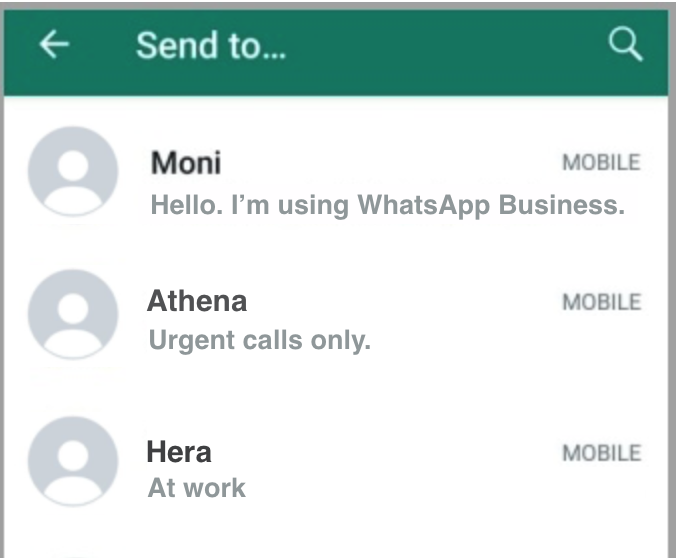
Requires installation and login to WhatsApp app.
When sharing text or links, Share will immediately return success regardless of actual result.
| Method | Content |
|---|---|
| Share | Text, link, image, video |
Share: Text
Parameters:
- Type:
Friend_REQ_TEXT(Unity) /kReqText(UE) - Description: Text content
- Unity
- Unreal Engine
var reqInfo = new INTLFriendReqInfo();
reqInfo.Type = (int)INTLFriendReqType.Friend_REQ_TEXT;
reqInfo.Description = "Hello, long time no see";
INTLAPI.Share(reqInfo, "WhatsApp");
FINTLFriendReqInfo reqInfo;
reqInfo.Type = (int32)EINTLFriendReqType::kReqText;
reqInfo.Description = "Hello, long time no see";
UINTLSDKAPI::Share(reqInfo, "WhatsApp");
Share: Link
Parameters:
- Type:
Friend_REQ_LINK(Unity) /kReqLink(UE) - **Link **: URL
- Unity
- Unreal Engine
var reqInfo = new INTLFriendReqInfo();
reqInfo.Type = (int)INTLFriendReqType.Friend_REQ_LINK;
reqInfo.Link = "https://www.google.com";
INTLAPI.Share(reqInfo, "WhatsApp");
FINTLFriendReqInfo reqInfo;
reqInfo.Type = (int32)EINTLFriendReqType::kReqLink;
reqInfo.Link = "https://www.google.com";
UINTLSDKAPI::Share(reqInfo, "WhatsApp");
Share: Image
Parameters:
- Type:
Friend_REQ_IMAGE(Unity) /kReqImage(UE) - ImagePath: Image path
- Unity
- Unreal Engine
var reqInfo = new INTLFriendReqInfo();
reqInfo.Type = (int)INTLFriendReqType.Friend_REQ_IMAGE;
reqInfo.ImagePath = "/path/to/image";
INTLAPI.Share(reqInfo, "WhatsApp");
FINTLFriendReqInfo reqInfo;
reqInfo.Type = (int32)EINTLFriendReqType::kReqImage;
reqInfo.ImagePath = "/path/to/image";
UINTLSDKAPI::Share(reqInfo, "WhatsApp");
Share: Video
Parameters:
- Type:
Friend_REQ_VIDEO(Unity) /kReqVideo(UE) - MediaPath: Video path
- Unity
- Unreal Engine
var reqInfo = new INTLFriendReqInfo();
reqInfo.Type = (int)INTLFriendReqType.Friend_REQ_VIDEO;
reqInfo.MediaPath = "/path/to/video";
INTLAPI.Share(reqInfo, "WhatsApp");
FINTLFriendReqInfo reqInfo;
reqInfo.Type = (int32)EINTLFriendReqType::kReqVideo;
reqInfo.MediaPath = "/path/to/video";
UINTLSDKAPI::Share(reqInfo, "WhatsApp");
YouTube
To share on YouTube for the first time, you need to create a channel.Create a YouTube channel with your authorized Google account, using any of the following methods:
- Mobile browser: Login to YouTube → tap the avatar → tap "Create channel" → enter channel name → done.
- YouTube App: After logging in, tap the avatar → "Your channel" → the system will guide you through creating one.
- Google account dashboard: Login to Google → open dashboard → YouTube → create channel.
| Method | Content |
|---|---|
| Share | Video |
Share: Video
Parameters:
- Type:
Friend_REQ_VIDEO(Unity) /kReqVideo(UE) - MediaPath: Video path (local or URL)
- Unity
- Unreal Engine
var reqInfo = new INTLFriendReqInfo();
reqInfo.Type = (int)INTLFriendReqType.Friend_REQ_VIDEO;
reqInfo.MediaPath = "/path/to/video";
INTLAPI.Share(reqInfo, "Youtube");
FINTLFriendReqInfo reqInfo;
reqInfo.Type = (int32)EINTLFriendReqType::kReqVideo;
reqInfo.MediaPath = "/path/to/video";
UINTLSDKAPI::Share(reqInfo, "Youtube");
TikTok
Requires installation and login to TikTok app.
| Method | Content |
|---|---|
| Share | Video |
Share: Video
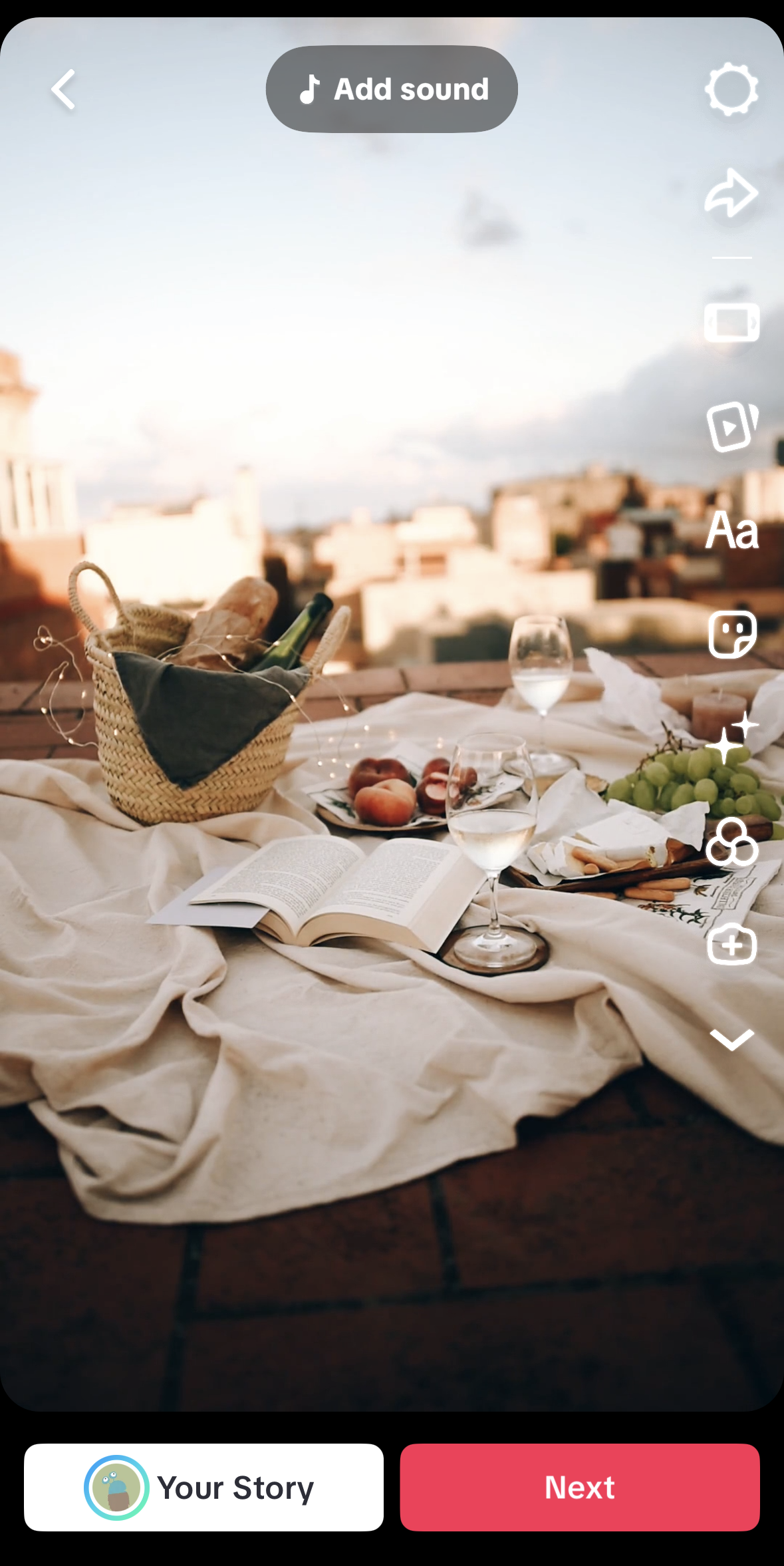
On iOS, TikTok share always uses the local video mode.The SDK requests photo library permission and presents the system photo picker; the player selects a video from the Photos app, and the SDK forwards that asset to the TikTok share sheet.
Parameters:
- Type:
Friend_REQ_VIDEO(Unity) /kReqVideo(UE) - MediaPath: Ignored on iOS. The player selects the video from the system photo library.
- ExtraJson: Ignored on iOS. The Android-specific fields
shareLocalVideoFlag,needLoginTikTok, andshareUrlhave no effect on iOS.
- Unity
- Unreal Engine
var reqInfo = new INTLFriendReqInfo();
reqInfo.Type = (int)INTLFriendReqType.Friend_REQ_VIDEO;
INTLAPI.Share(reqInfo, "TikTok");
FINTLFriendReqInfo reqInfo;
reqInfo.Type = (int32)EINTLFriendReqType::kReqVideo;
UINTLSDKAPI::Share(reqInfo, "TikTok");
X
Requires installation and login to X app.
X SDK is no longer maintained; system sharing will be used when sharing content.
| Method | Content |
|---|---|
| Share | Text, link, image |
- During iOS authorization, X may not be able to redirect back to the game. You can retry to resolve this.
- Multi-account switching: Add
"login_first":1toExtraJsonto force re-authorization. - Repeatedly sharing the same content in a short period may result in a 403 error
Share: Text
Parameters:
- Type:
Friend_REQ_TEXT(Unity) /kReqText(UE) - Description: Text content
- ExtraJson (optional):
{"login_first":1}to force re-authorization
- Unity
- Unreal Engine
var reqInfo = new INTLFriendReqInfo();
reqInfo.Type = (int)INTLFriendReqType.Friend_REQ_TEXT;
reqInfo.Description = "Hello, long time no see";
INTLAPI.Share(reqInfo, INTLChannel.Twitter);
FINTLFriendReqInfo reqInfo;
reqInfo.Type = (int32)EINTLFriendReqType::kReqText;
reqInfo.Description = "Hello, long time no see";
UINTLSDKAPI::Share(reqInfo, EINTLLoginChannel::kChannelTwitter);
Share: Link
Parameters:
- Type:
Friend_REQ_LINK(Unity) /kReqLink(UE) - **Link **: URL
- ExtraJson (optional):
{"login_first":1}to force re-authorization
- Unity
- Unreal Engine
var reqInfo = new INTLFriendReqInfo();
reqInfo.Type = (int)INTLFriendReqType.Friend_REQ_LINK;
reqInfo.Link = "https://www.google.com";
INTLAPI.Share(reqInfo, INTLChannel.Twitter);
FINTLFriendReqInfo reqInfo;
reqInfo.Type = (int32)EINTLFriendReqType::kReqLink;
reqInfo.Link = "https://www.google.com";
UINTLSDKAPI::Share(reqInfo, EINTLLoginChannel::kChannelTwitter);
Share: Image
Parameters:
- Type:
Friend_REQ_IMAGE(Unity) /kReqImage(UE) - ImagePath: image path (local or URL)
- ExtraJson (optional):
{"login_first":1}to force re-authorization
- Unity
- Unreal Engine
var reqInfo = new INTLFriendReqInfo();
reqInfo.Type = (int)INTLFriendReqType.Friend_REQ_IMAGE;
reqInfo.ImagePath = "/path/to/image";
INTLAPI.Share(reqInfo, INTLChannel.Twitter);
FINTLFriendReqInfo reqInfo;
reqInfo.Type = (int32)EINTLFriendReqType::kReqImage;
reqInfo.ImagePath = "/path/to/image";
UINTLSDKAPI::Share(reqInfo, EINTLLoginChannel::kChannelTwitter);
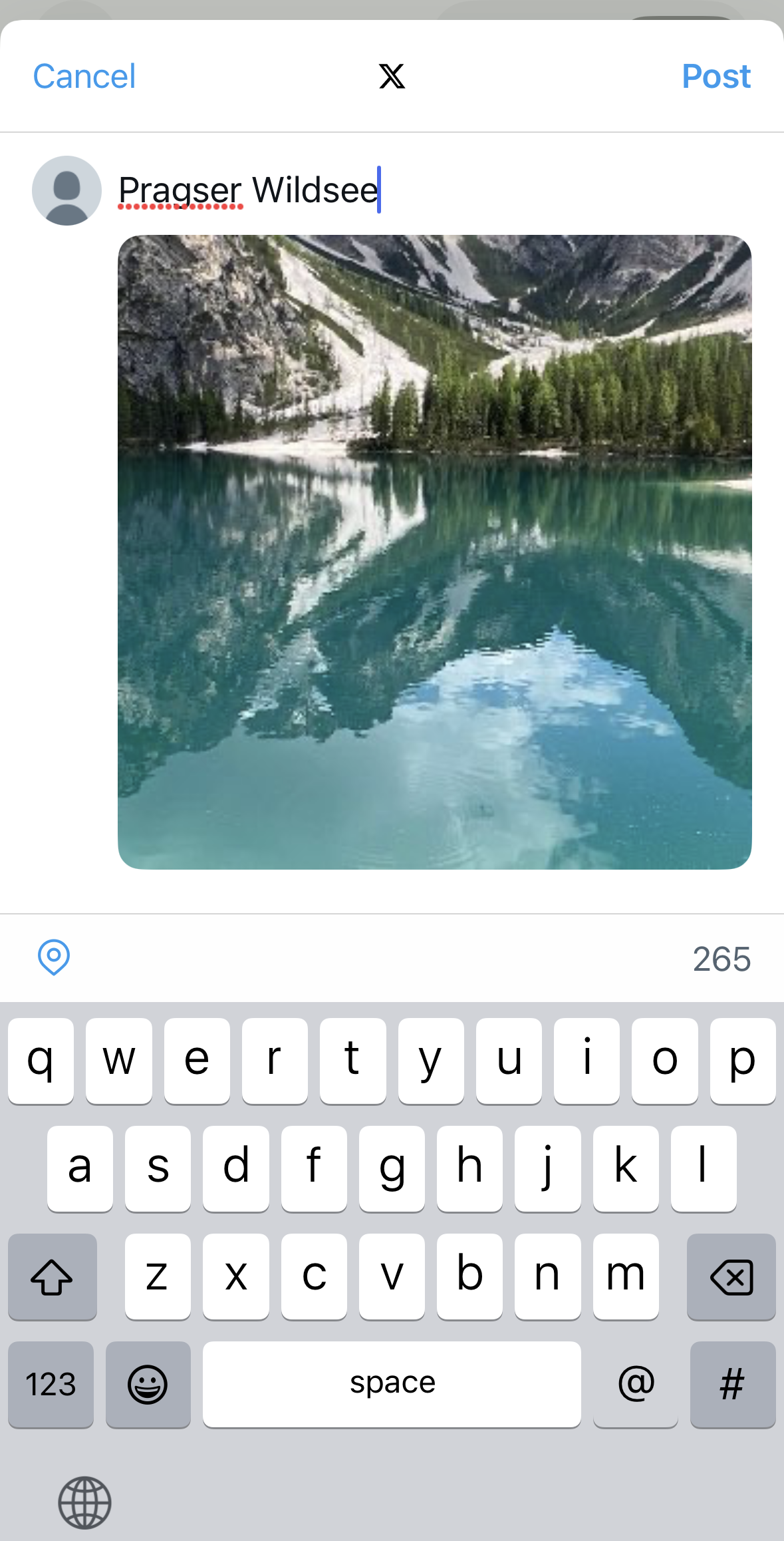
VK
| Method | Content |
|---|---|
| Share | Text, link, image |
Share: Text
Parameters:
- Type:
Friend_REQ_TEXT(Unity) /kReqText(UE) - Description: Text content
- Unity
- Unreal Engine
var reqInfo = new INTLFriendReqInfo();
reqInfo.Type = (int)INTLFriendReqType.Friend_REQ_TEXT;
reqInfo.Description = "Hello, long time no see";
INTLAPI.Share(reqInfo, INTLChannel.VK);
FINTLFriendReqInfo reqInfo;
reqInfo.Type = (int32)EINTLFriendReqType::kReqText;
reqInfo.Description = "Hello, long time no see";
UINTLSDKAPI::Share(reqInfo, EINTLLoginChannel::kChannelVK);
Share: Link
Parameters:
- Type:
Friend_REQ_LINK(Unity) /kReqLink(UE) - **Link **: URL
- Unity
- Unreal Engine
var reqInfo = new INTLFriendReqInfo();
reqInfo.Type = (int)INTLFriendReqType.Friend_REQ_LINK;
reqInfo.Link = "https://www.google.com";
INTLAPI.Share(reqInfo, INTLChannel.VK);
FINTLFriendReqInfo reqInfo;
reqInfo.Type = (int32)EINTLFriendReqType::kReqLink;
reqInfo.Link = "https://www.google.com";
UINTLSDKAPI::Share(reqInfo, EINTLLoginChannel::kChannelVK);
Share: Image
Parameters:
- Type:
Friend_REQ_IMAGE(Unity) /kReqImage(UE) - ImagePath: image path (local or URL)
- Unity
- Unreal Engine
var reqInfo = new INTLFriendReqInfo();
reqInfo.Type = (int)INTLFriendReqType.Friend_REQ_IMAGE;
reqInfo.ImagePath = "/path/to/image";
INTLAPI.Share(reqInfo, INTLChannel.VK);
FINTLFriendReqInfo reqInfo;
reqInfo.Type = (int32)EINTLFriendReqType::kReqImage;
reqInfo.ImagePath = "/path/to/image";
UINTLSDKAPI::Share(reqInfo, EINTLLoginChannel::kChannelVK);
System Share
The Facebook Share Extension is not compatible with iOS 13, causing system share failures. It is recommended to use the Facebook SDK Channel to Share.
Use iOS native sharing functionality.
| Method | Content |
|---|---|
| Share | Text, link, image |
Parameter requirements:
- Text:
Description - Link:
Description+Link - Image:
ImagePath
Customize the sharing interface
Only supports removing iOS system apps (Mail, SMS, Reminders, AirDrop, etc.), cannot control the display of third-party apps.ExtraJson configuration is not effective for system sharing.
Data Reporting
Player Network SDK will automatically report system share events, and data reports can be queried on the DD platform under insight_1000_system_share.
Key fields:
- name: callback name, e.g.
vk:com.vkontakte.android.sharing.SharingExternalActivity - package_name: channel package name, e.g. QQ's
com.tencent.mqq
Reports can be filtered by keywords, such as QQ, Facebook, VK, etc.